
Portfolio // Local-First
Whisper Cone
Speak. It types. And nobody's listening in.
Whisper Cone turns speech into text – right where your cursor is. Everything runs locally on your Mac. No server, no subscription, no account. I was done paying every month for something my machine can already do.
100% local · No subscription · Apple Silicon
Straight talk
I got fed up with SaaS.
Every tool is a subscription now. Charged every month. And with dictation you don't just pay – you also ship every spoken word to some stranger's server.
Meanwhile the fix was already sitting on my desk. Apple Silicon runs a Whisper model locally in under a second. No data center, no upload, no waiting.
So I sat down and built it myself over a weekend. One feature, done right: hold a key, speak, release – the text is there.
And that's the whole point. For narrow, well-defined use cases you don't need SaaS. You build your own tool – faster than most people think. Local. Private. Yours for good.
How it works
Hold. Speak. Release.
Hold the right option key, speak, release. The text lands instantly where your cursor is – in Mail, Slack, the browser, your editor. No detour, no copy-paste, no extra window.
Hold
Hold the right ⌥ key. A subtle overlay shows it's listening.
Speak
Say what you want to write. German or English, detected automatically.
Release
Let go – and the text is there. After about 0.8 seconds, right where you need it.
The app
Everything stays where it belongs: with you.
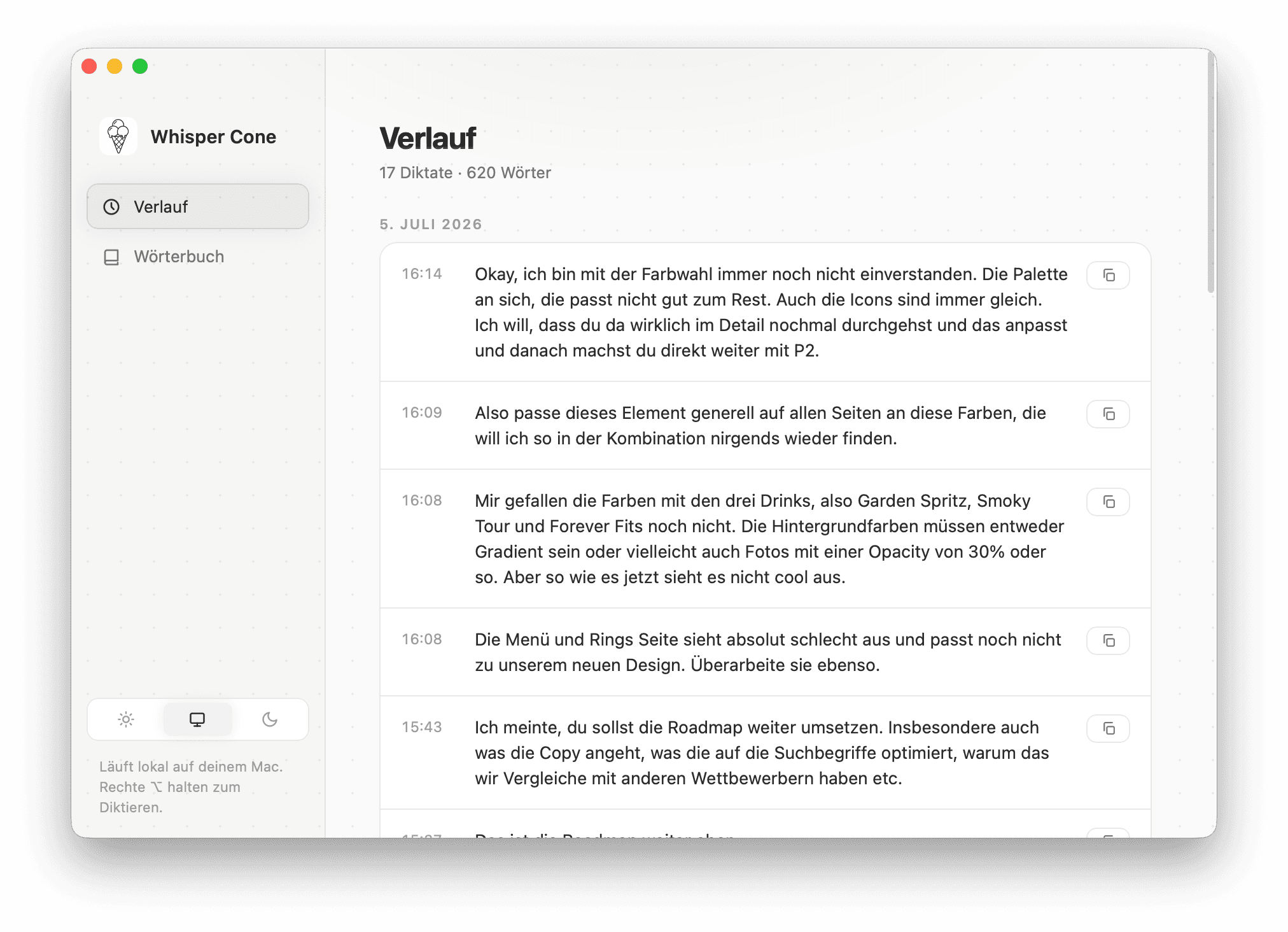
Every dictation lands in a local file on your Mac. No cloud, no account, no syncing with anyone.
What's inside
100% local
Transcription runs entirely on your Mac. mlx-whisper on Apple Silicon. No server, no connection needed.
Push-to-talk
One key. Hold, speak, release. System-wide, in every app.
Under 1 second
The model stays warm in memory. The text shows up virtually the moment you let go.
No subscription, no account
Built once, runs forever. No monthly charge, no login, no paywall.
German & English
Language is detected automatically. Clean German, umlauts included.
History & dictionary
Every dictation stored locally. Custom terms the app remembers.
Cloud vs. local
Whisper Cone vs. Whispr Flow
The point
Stop renting what your Mac can already do.
Whisper Cone is an example, not an exception. For narrow use cases a subscription makes no sense – one weekend, one clear feature, and you've got your own tool. Local, private, with nobody skimming a fee or listening in.
Built with — Python · mlx-whisper · whisper-large-v3-turbo · Quartz CGEventTap
Download
Get Whisper Cone.
Runs on Apple Silicon (M1 and newer). Not notarized through the App Store – on first launch, right-click → “Open”. After that you'll forget it's there.
Apple Silicon · macOS · ~288 MB